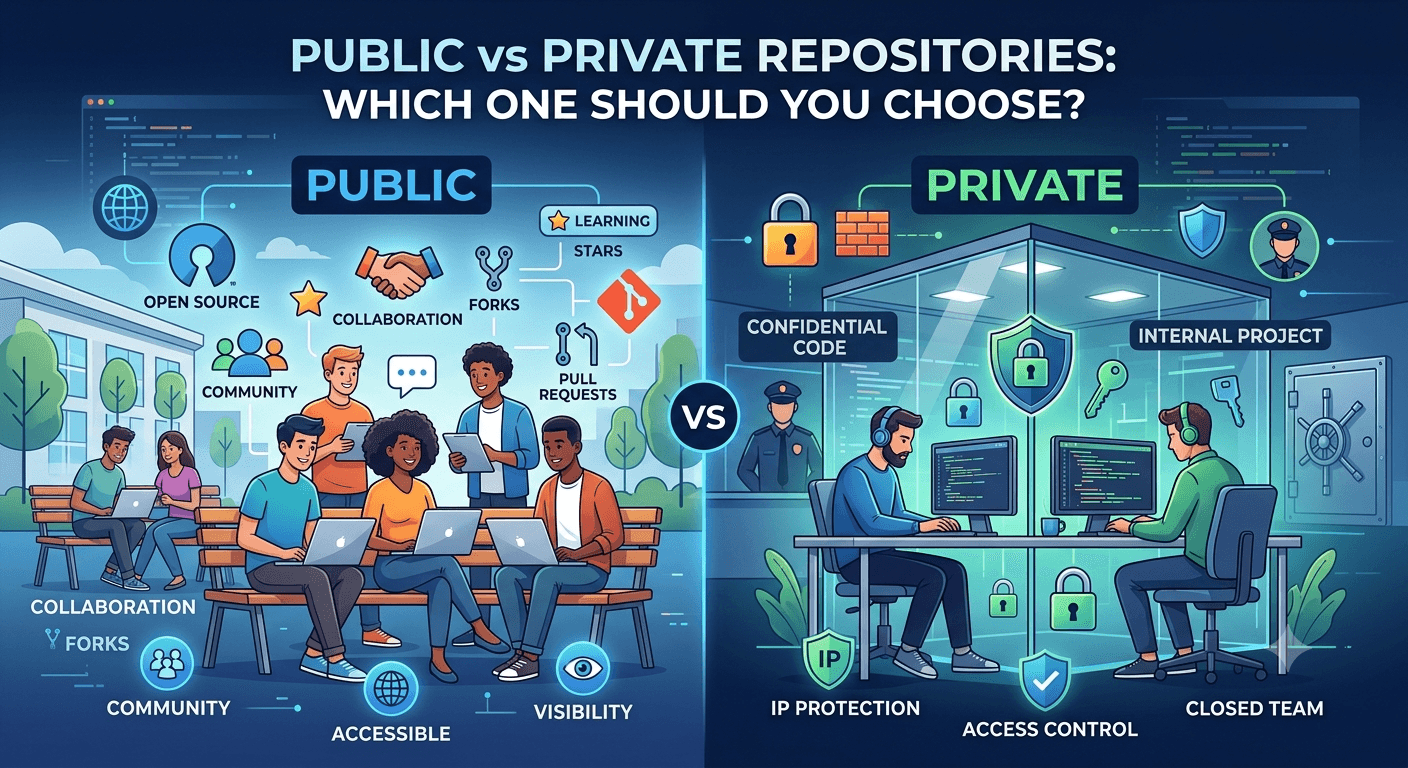
Choosing between public and private repositories is a crucial decision for developers and teams. Here's what you need to know before you decide.
What Are Public and Private Repositories?
Repositories store project files and their full revision history. The key difference between the two types comes down to who can see and interact with that code.
Public Repositories
Open to everyone
Anyone can view, fork, and clone the code
Ideal for open-source projects and community collaboration
Private Repositories
Access restricted to the owner and invited collaborators
Protects sensitive data and proprietary code
Offers greater control over who can view or modify the project
Your choice should be guided by your project's needs. GitHub has reported that 28% of Fortune 100 companies use GitHub Enterprise for a mix of both public and private repositories.
It's also worth noting: once a project is open-sourced, its entire commit history becomes visible to everyone — including anything that may have been sensitive earlier in development. This makes it essential to plan repository visibility from the very start of a project, not as an afterthought.
Benefits of Public Repositories
Public repositories offer several distinct advantages:
Collaboration
Visibility
Other Benefits
Free hosting for open-source projects
Built-in documentation tools
Helps improve coding skills through community feedback and code review
Some companies have even leveraged public repositories for direct business growth — open-sourcing parts of a product has, in several documented cases, led to large enterprise orders from Fortune 500 companies after their engineering teams discovered the code organically.
Benefits of Private Repositories
Private repositories provide a different set of advantages, centered on protection and control:
Code Protection
Access Control
That said, private repositories come with a trade-off: while they offer strong security, they also limit the kind of organic exposure that leads to opportunities. Interestingly, some companies have found the reverse to be true as well — open-sourcing previously private code led to business growth simply because it put their work in front of CTOs and technical decision-makers who wouldn't have otherwise encountered it.
Factors to Consider When Choosing
A few key considerations should guide your decision:
Project Aims
Align your repository type with your actual goals — a marketing tool built for community adoption has very different needs than an internal financial system.
Team Setup
Your team structure and workflow matter just as much as the project itself:
Small internal teams often prefer private repositories for simplicity and control.
Large, distributed teams may benefit from the openness and easier onboarding public repositories provide.
Hybrid approaches — using both public and private repositories across a single organization — are common and often the most practical solution.
Also Weigh
Keep in mind that repository visibility isn't a permanent decision — you can switch between public and private as your project's needs evolve.
Tips for Managing Repositories
Public Repos
Create clear, welcoming README files
Set explicit contribution guidelines
Use issue templates to standardize bug reports and feature requests
Implement thorough code reviews
Acknowledge all contributors
Maintain a welcoming, inclusive environment for new contributors
Private Repos
Restrict access appropriately, following the principle of least privilege
Enable two-factor authentication (2FA) for all collaborators
Use branch protection rules to prevent unreviewed changes to critical branches
Implement automated secret detection to catch leaked credentials
Conduct regular security audits
For CI/CD
Choose CI/CD tools appropriate to your stack and team size
Set up automated testing on every pull request
Implement code quality checks as part of your pipeline
Secure your pipeline against unauthorized access or injection
Automate dependency updates to reduce security debt
Changing Visibility
To switch a repository between public and private:
Go to the repository's settings
Find Change visibility under the Danger Zone
Select the new visibility option
Confirm the change
Important: Changing visibility can affect existing forks and certain platform features, so always review your repository's content carefully before making it public.
Keeping Repositories Safe
For All Repositories
Enable branch protection rules
Implement a CODEOWNERS file to enforce review ownership
Conduct regular security scans
Keep dependencies up to date
For Private Repositories Specifically
Enforce two-factor authentication for every collaborator
Limit access strictly to those who need it
Encrypt sensitive data at rest and in transit
Monitor and audit third-party integration access regularly
Costs and Hosting
Two of the most popular platforms for hosting repositories are:
1. GitHub
GitHub is the most widely used platform for hosting both public and private repositories, with strong community features, integrated CI/CD via GitHub Actions, and enterprise-grade security tooling.

2. GitLab
GitLab offers a more integrated DevOps platform, combining source control with built-in CI/CD pipelines, security scanning, and project management tools in a single product.

Choose a platform based on your needs, team size, and budget — both offer generous free tiers, so it's worth testing each before committing.
Wrap-Up
When choosing between public and private repositories, consider the nature of your project, your security needs, your collaboration requirements, and how important intellectual property protection is to your business. Regardless of which type you choose, security should always be a priority.
As a general rule: use GitHub for community-driven, open-source-friendly projects, and use GitLab when you want source control tightly integrated with a full DevOps pipeline.